PostgREST:无需后端 快速构建RESTful API服务
API
在现代 Web 开发中,API 已成为连接前后端的核心桥梁,传统的做法是通过后端框架来构建API接口,然后由前后端人员进行联调。
PostgREST是基于无服务器的一种实现方案,允许开发者将PostgreSQL数据库直接暴露为RESTful API,而无需编写任何后端代码,从而可以专注于核心功能的开发。
基本介绍

PostgREST可以理解为自带JWT解析的postgres后端API,最主要提供了两方面的功能:
- PostgREST 可以自动将 PostgreSQL 的表、视图、函数等映射为 RESTful 接口,无需手动编写任何 CRUD 代码,在简单的数据库使用场景下可省略后端;
- 内置身份验证,自动将请求头的token解析出来,用于角色权限管理
简单测试
安装
前提:安装了PostgreSQL数据库
# Macos
brew install postgrest

# Arch Linux
pacman -S postgrest

# Docker
docker pull postgrest/postgrest
数据库设置
首先登陆数据库,接着创建一个视图:
create schema api;
创建一张测试表:
create table api.todos (
  id int primary key generated by default as identity,
  done boolean not null default false,
  task text not null,
  due timestamptz
);

insert into api.todos (task) values
  ('finish tutorial 0'), ('pat self on back');
创建匿名角色,并且赋予查询api.todos的权限:
create role web_anon nologin;

grant usage on schema api to web_anon;
grant select on api.todos to web_anon;
创建用于登陆数据库的角色:
create role authenticator noinherit login password 'mysecretpassword';
grant web_anon to authenticator;
创建配置文件
db-uri = "postgres://authenticator:mysecretpassword@localhost:5432/postgres"
db-schemas = "api"
db-anon-role = "web_anon"
web_anon这个角色是之前在数据库中就已经配置好的
启动服务
postgrest tutorial.conf
测试响应
直接用curl发起请求:
curl http://localhost:3000/todos
返回:
[
  {
    "id": 1,
    "done": false,
    "task": "finish tutorial 0",
    "due": null
  },
  {
    "id": 2,
    "done": false,
    "task": "pat self on back",
    "due": null
  }
]
基本操作
查询
直接在端口后面跟上需要查询的表名,即可对该表进行查询
curl "http://localhost:3000/people?age=gte.18&student=is.true"
同样支持过滤条件,在PostgREST中需要以简写方式声明。
部分简写如下:
| Abbreviation | In PostgreSQL | Meaning |
|---|---|---|
| eq | = | equals |
| gt | > | greater than |
| gte | >= | greater than or equal |
| lt | < | less than |
| lte | <= | less than or equal |
| neq | <> or != | not equal |
新增
插入单条数据:
curl "http://localhost:3000/table_name" \
  -X POST -H "Content-Type: application/json" \
  -d '{ "col1": "value1", "col2": "value2" }'
披量插入数据:
curl "http://localhost:3000/people" \
  -X POST -H "Content-Type: application/json" \
  -d @- << EOF
  [
    { "name": "J Doe", "age": 62, "height": 70 },
    { "name": "Janus", "age": 10, "height": 55 }
  ]
EOF
更新
使用PATCH更新数据:
curl "http://localhost:3000/people?age=lt.13" \
  -X PATCH -H "Content-Type: application/json" \
  -d '{ "category": "child" }'
删除
使用DELETE删除数据:
curl "http://localhost:3000/user?active=is.false" -X DELETE
总结
PostgREST 提供了一种高效、简洁的方式来构建 RESTful API,特别适合那些希望减少后端开发负担、专注于核心功能开发的团队。
推荐阅读
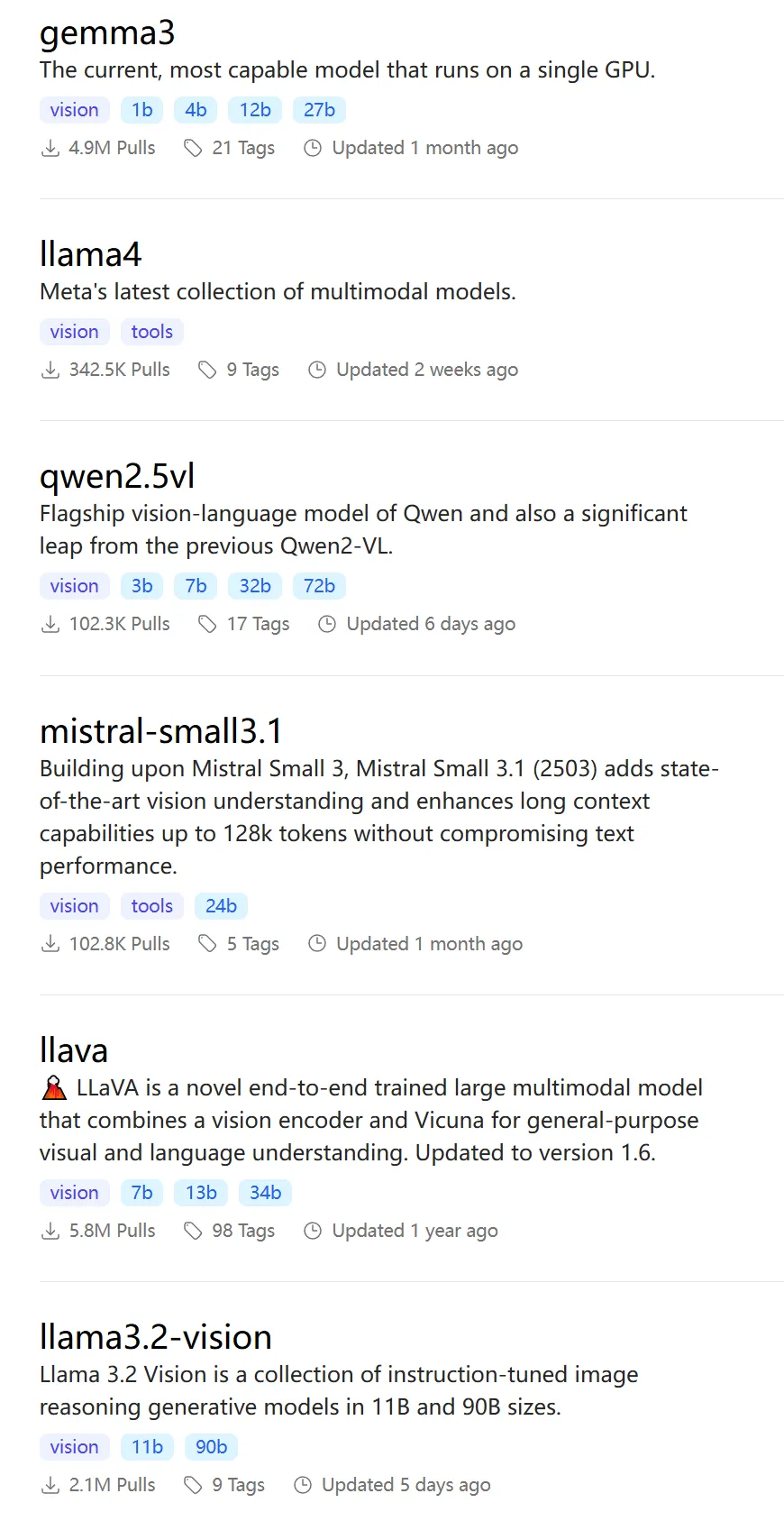
Ollama-OCR:基于Ollama多模态大模型的端到端文档解析和处理
Ollama-OCR是一个Python的OCR解析库,结合了Ollama的模型能力,可以直接处理 PDF 文件无需额外转换,轻松从扫描版或原生 PDF 文档中提取文本和数据。